
Connect your Direct Freight Express Account with Interparcel
Interparcel allows you to access cost-effective shipping rates from Direct Freight Express, while enjoying the convenience and time-saving benefits of our platform.
- Retrieve Your Direct Freight Express API Credentials
- Connect your Direct Freight Express Account
- Manage your Direct Freight Express Account
- Send Your Orders With Your Direct Freight Express Rates
Step 1: Register for a Shipping & Tracking API key
- Log in to your Direct Freight Express portal and click on Developer Centre at the bottom of the page.
- Click Register.
- Click Accept & Continue.
- Select Consignment API, Pricing API and Tracking API. Type INTERPARCEL in the Comments box and click Submit.
- Direct Freight Express will send you the credentials.


Step 2: Connect your Direct Freight Express Account
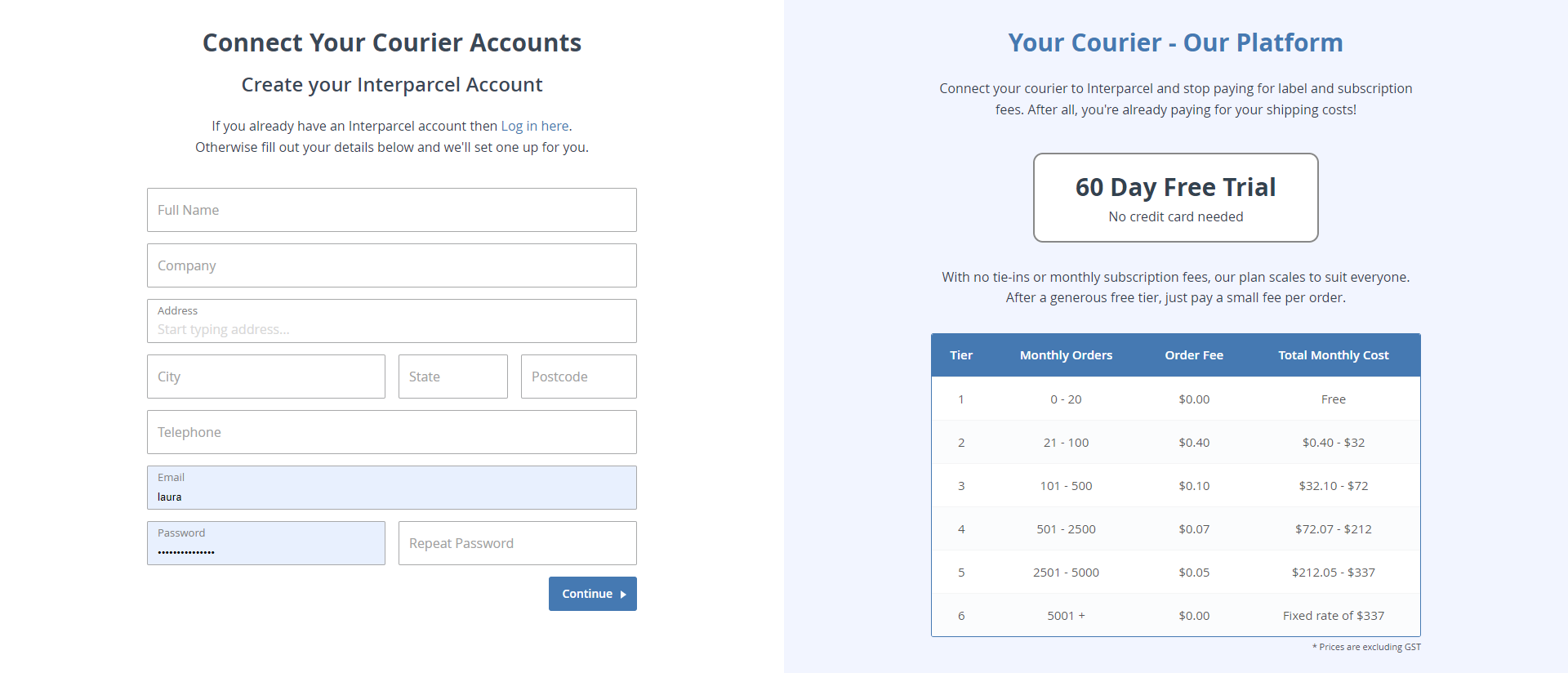
- If you already have an account with us, log in to your Interparcel account. Hover over the Shipping Tools tab, select My Couriers and click Connect a Courier. Complete the form, accept the terms and conditions and click Activate Your Account. If you don't have one, you can sign up here for your free account now!
- This will take you to the Courier Conections page. Click Connect on Direct Freight Express.
- Add your Account Number, Site ID, Consignment API Key, Pricing API Key and Tracking API Key and click Connect Account.
- Your Direct Freight Express account is now connected with Interparcel!


Step 3: Manage your Direct Freight Express Account
- Log in to your Interparcel account. Hover over the Shipping Tools tab and select Courier Conections. Click the Manage button, next to your Direct Freight Express integration.
- In the Settings tab, you can enable or disable Authority to Leave. When this option is turned on, your Direct Freight Express services will be ATL, meaning the parcel can be left in a safe place if no one is home at the time of delivery.
- In the Services tab you can toggle on and off the services that you would like to use from Direct Freight Express.
- You are all set up and you are ready to send your orders!


Other Relevant Guides
How to send your Direct Freight Express Orders
How to connect MyPost Business account
Didn't Find What You're Looking For?
If you have any questions or concerns regarding your integration or questions about how to send your order simply email us at shippingtools@interparcel.com.au, and we'll provide the assistance you need.